Color Palette Generator
Build better palettes without the guesswork
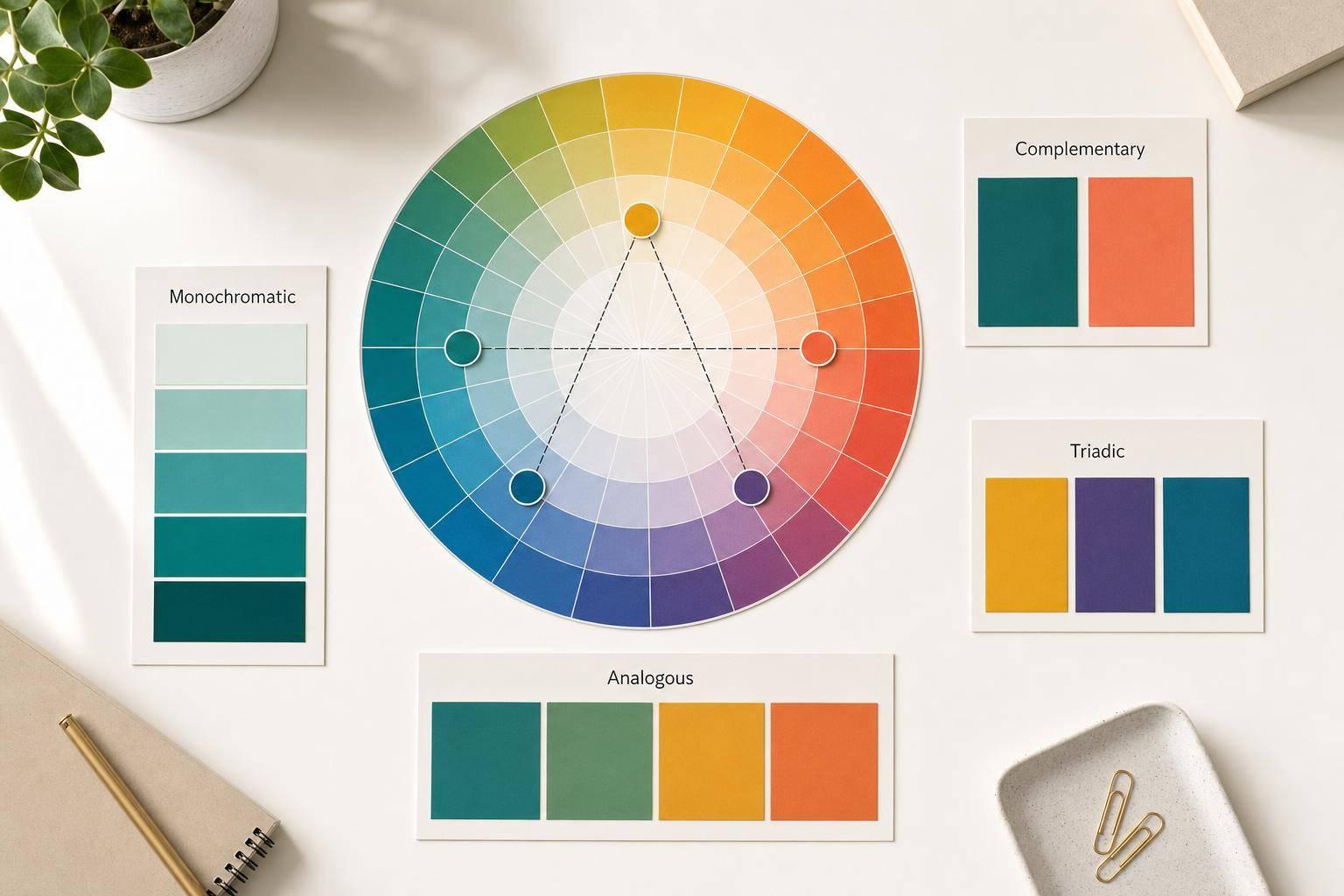
A strong set of colors can shape the entire feel of a project, but choosing them manually isn’t always simple. This Color Palette Generator helps you create polished combinations from a single HEX color or a random starting point, all in your browser. Whether you need a monochromatic scheme for a clean interface, an analogous set for subtle variation, or a complementary palette with more contrast, the tool gives you results instantly.
Designed for quick visual decisions
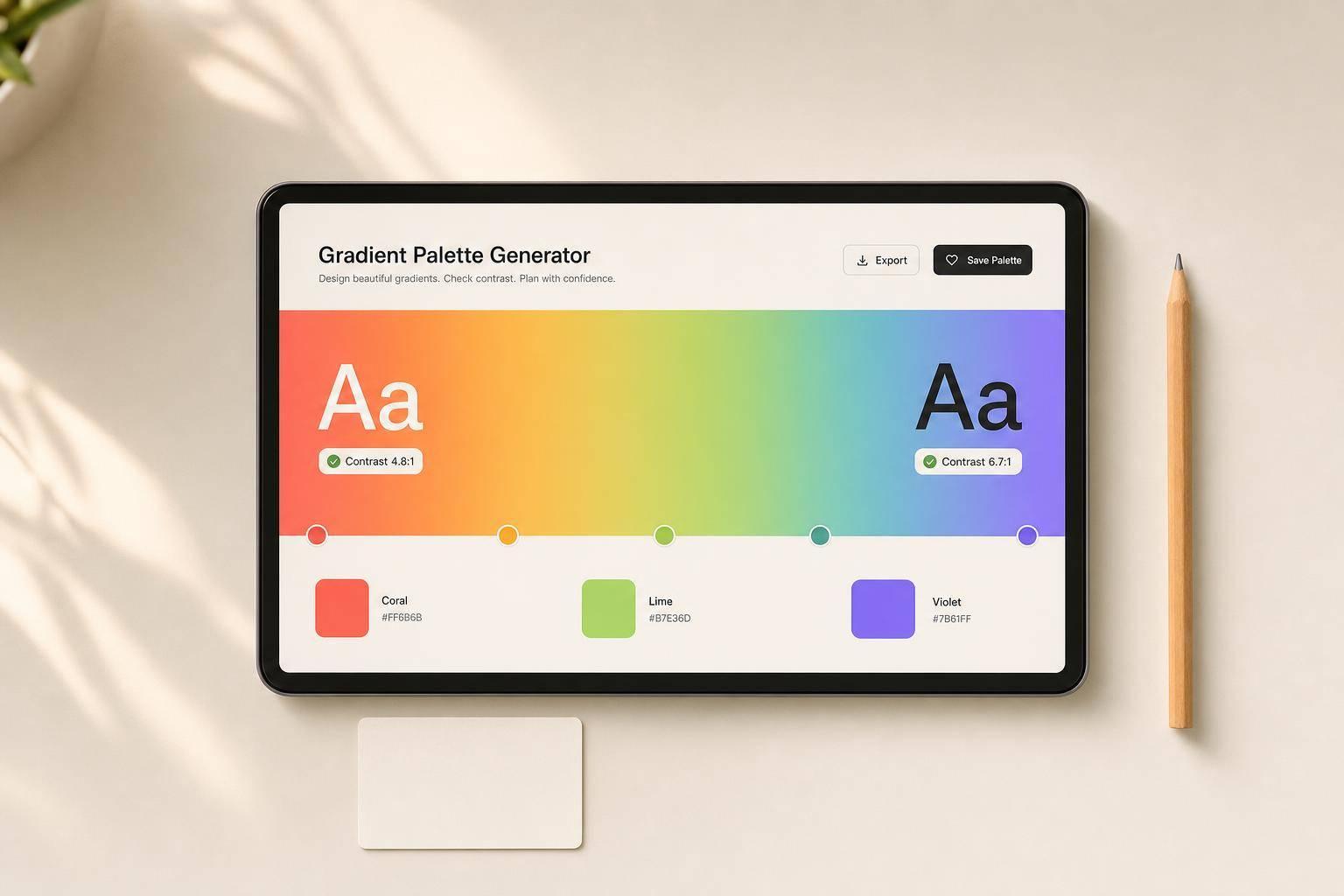
Instead of bouncing between multiple apps, you can adjust the palette size, switch harmony modes, and regenerate colors live on the page. If you land on a swatch you love, lock it and continue refining the rest. Every color includes HEX, RGB, and HSL values, so it’s easy to copy what you need for CSS, design systems, mockups, or brand exploration.
Useful for design, UI, and creative work
This browser-based color palette generator is especially handy when you want fast inspiration that still feels structured. It balances randomness with proven color relationships, which makes it useful for web designers, marketers, illustrators, and anyone building visual assets. With readable labels and responsive swatches, the experience stays smooth on both desktop and mobile.
FAQs
How does the Color Palette Generator decide which colors go together?
The tool uses established color harmony rules based on the color wheel. If you choose monochromatic, it creates variations of the same hue by adjusting lightness and saturation. Analogous palettes use nearby hues for a smooth, cohesive look, while complementary, triadic, and tetradic modes space colors around the wheel for more contrast and energy. In random mode, it still avoids chaotic results by keeping saturation and lightness within visually balanced ranges.
Can I keep some colors and only regenerate the rest?
Yes. That’s what the lock feature is for. If you find one or two swatches you want to keep, just lock them before generating again. The tool preserves those choices and updates only the unlocked colors, which makes it much easier to refine a palette without starting over every time.
Each swatch displays HEX, RGB, and HSL values. HEX is commonly used in web design and CSS, RGB is helpful for digital interfaces and graphics work, and HSL makes it easier to understand hue, saturation, and lightness when you're tweaking color relationships. Seeing all three formats gives you flexibility whether you're designing a website, building a UI, or handing colors off to someone else.